
Teleprompter
Scrolls with your voice, holds its place while you go off script, and picks up when you return.
Live speaking copilot for Mac
Your script follows your voice. Talking points check off as you cover them. Keep your attention on the audience.
macOS 26 or later · Apple silicon
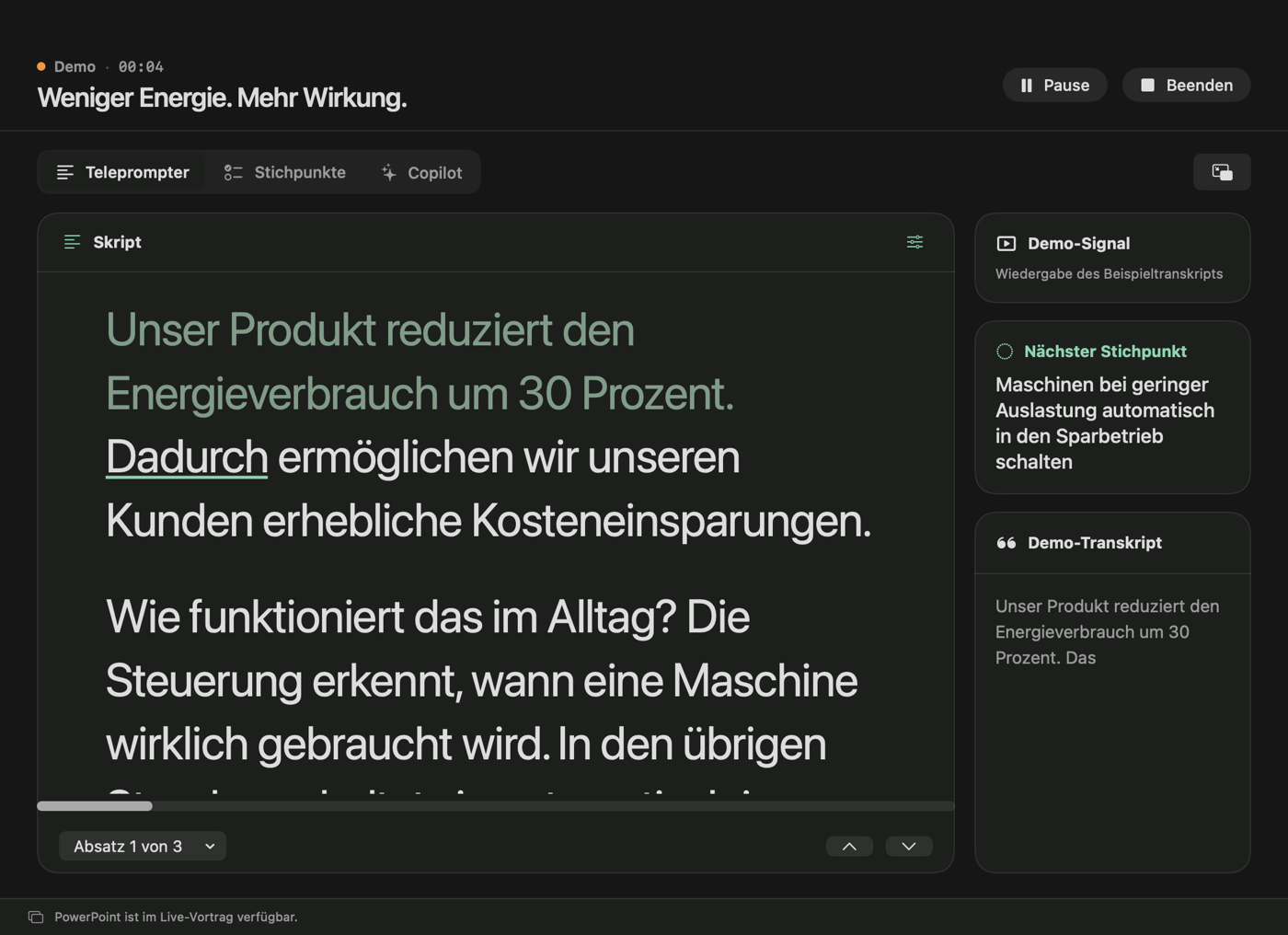
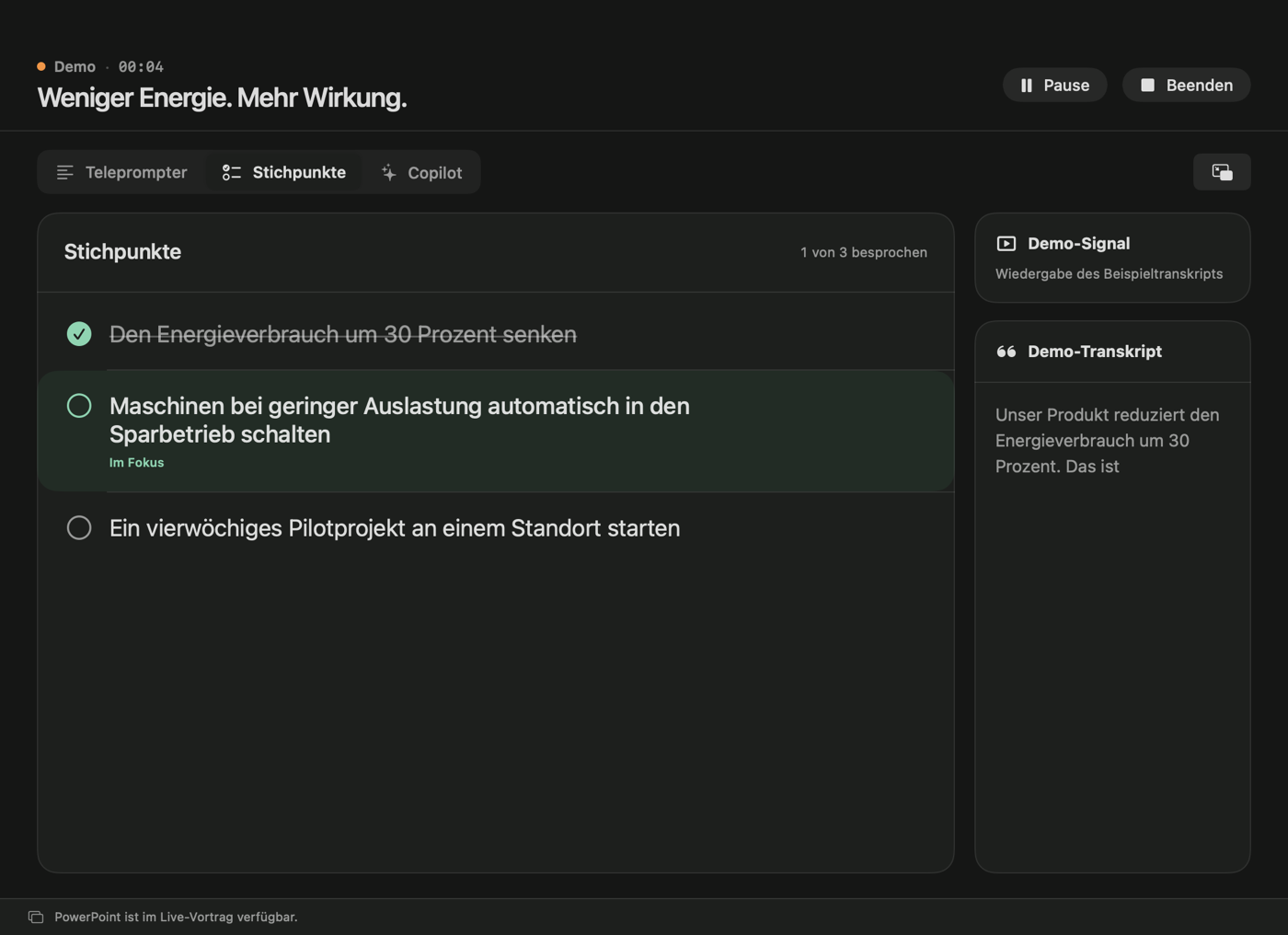
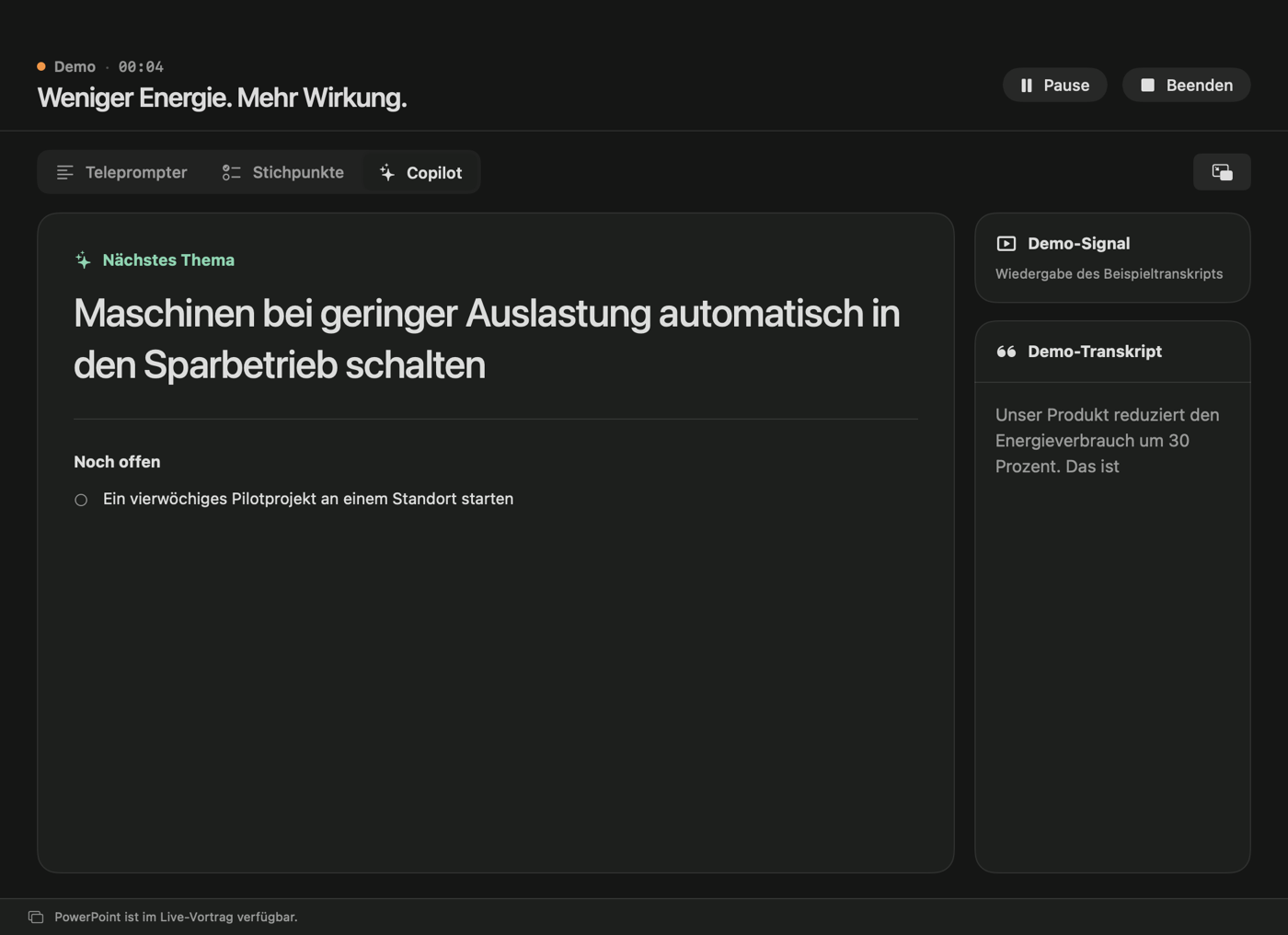
Three views you can switch between while you’re speaking.
Scrolls with your voice, holds its place while you go off script, and picks up when you return.
Organize your notes into sections and see which ideas you’ve already covered, even when you say them in your own words.
Glance at what’s still open or get a short cue to find your way back into the talk.
Connect a running PowerPoint slideshow. Set a cue in your script or choose which talking points should trigger a slide change.
Open the ZIP and drag Wingman to your Applications folder.
Allow microphone access and install the speech model for your language if prompted.
Try the built-in demo, or add a script and talking points for your own presentation.
Wingman requires macOS 26 or later and a Mac with Apple silicon (M1 or newer). It supports presentations in German and English.
Yes. Once the Apple speech model is installed, transcription runs on your Mac. The optional local Qwen model for checking talking points is a separate, one-time download of about 3 GB. No account or API key is required.